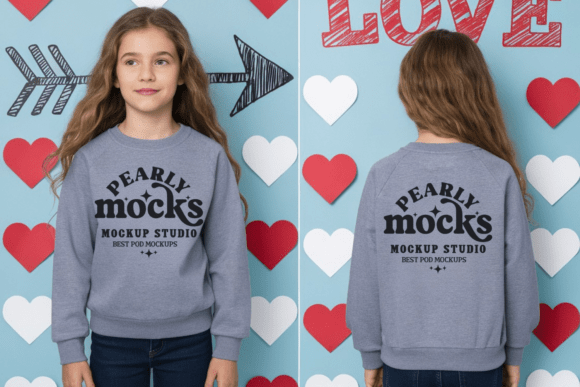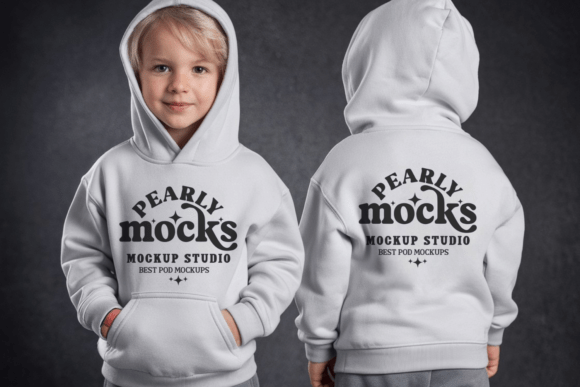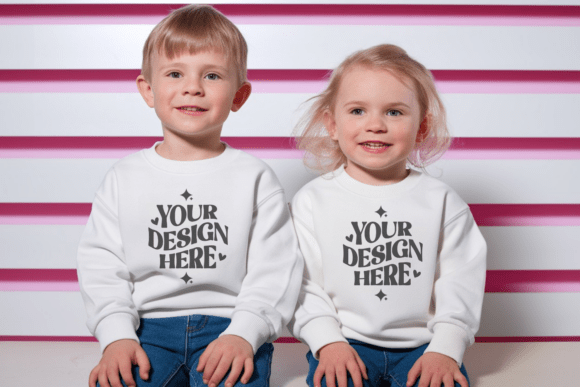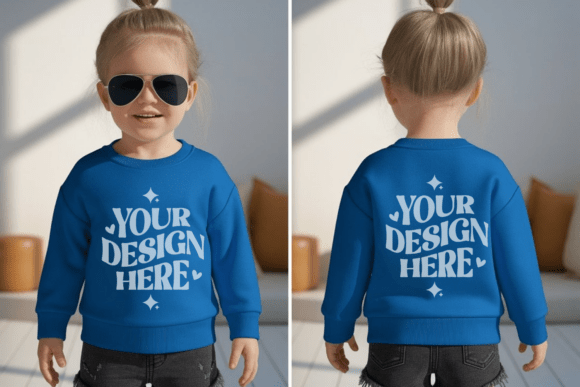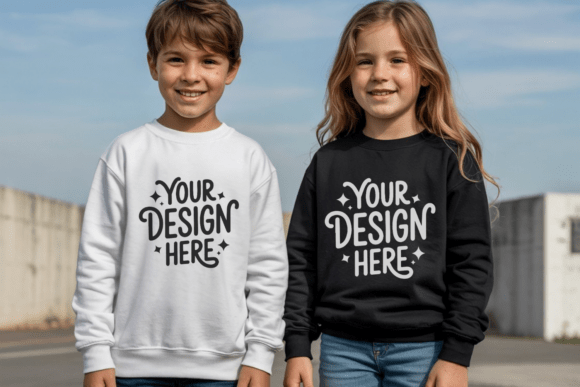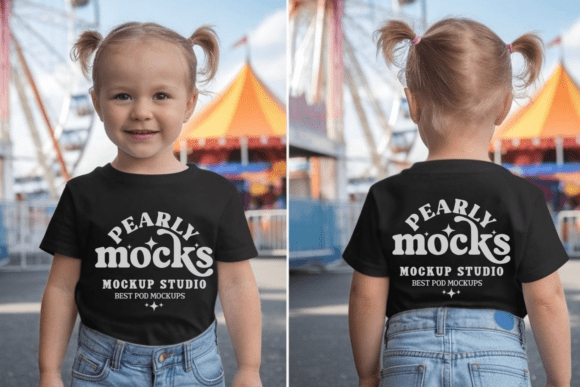
Gildan 18000B Front Back Kids Mockup 5
When you’re preparing product listings, pitching custom apparel to clients, or building a cohesive brand portfolio for youth-focused designs, visual clarity matters—immediately. The Gildan 18000B Front Back Kids Mockup 5 is a high-fidelity digital asset designed to streamline how you present artwork on youth sweatshirts. It’s not just a static image—it’s a workflow accelerator that bridges the gap between concept and credible presentation.
This mockup features a professionally styled, natural-light shoot of a child model wearing a Gildan 18000B youth sweatshirt, captured from both front and back angles in a single JPG file. Unlike generic templates or low-res placeholders, it delivers photorealistic fabric texture, accurate garment drape, and consistent lighting—so your design appears as it would in real life, not flattened or distorted by artificial rendering.
Where It Fits in Your Design & Business Workflow
The Gildan 18000B Front Back Kids Mockup 5 works most effectively when integrated early—not as an afterthought, but as part of your pre-launch or client review cycle. For example:
- Before finalizing a print run: Use it to test color contrast, layout balance, and scale across both front and back placements—without ordering physical samples.
- During client onboarding: Embed the mockup into your proposal deck to show how a logo or illustration translates onto actual youth apparel, reducing back-and-forth about sizing or positioning.
- After launching a new collection: Repurpose the same mockup across multiple listings (e.g., Etsy, Shopify, Amazon Handmade) with different designs—keeping visual consistency while saving time on photo shoots.
It also supports iterative decision-making. If you’re comparing two design variants for a school fundraiser or seasonal drop, dropping each into the same mockup eliminates variables like lighting, model pose, or background—letting you assess only what matters: how the art lives on the garment.
Compatibility and Practical Integration
The mockup arrives as a single high-resolution JPG file at 300 DPI—no layers, no PSD dependencies, no licensing hurdles. That makes it unusually flexible across tools and experience levels:
- Canva users can upload it directly, use “Replace Image” to swap in their artwork, and adjust opacity or blend modes for precise alignment—no layer masking required.
- Photoshop users benefit from smart object support (if using layered versions) or simple clipping masks to confine designs within the sweatshirt’s printable area.
- Non-designers—like educators creating spirit wear or small business owners managing social media—can paste their logo into the mockup using free tools like Photopea or even PowerPoint, then export clean visuals for flyers or email campaigns.
Because it’s fully watermark-free and commercially licensed, you retain full rights to use outputs anywhere: online stores, pitch decks, printed catalogs, or ad creatives. There’s no need to credit the mockup provider, nor any hidden restrictions on usage volume or duration.
Optimizing Visual Accuracy and Consistency
Color fidelity is one of the most common pain points when using mockups—and the Gildan 18000B Front Back Kids Mockup 5 handles this thoughtfully. The base image was shot under controlled, neutral lighting, minimizing harsh shadows or color casts. Still, screen calibration varies. To ensure your design looks as intended:
- Preview your artwork against the mockup on at least two devices (e.g., laptop + tablet) before final export.
- Use sRGB color profile consistently across your design software and export settings—especially if sharing files with printers or production partners.
- For minimalist or boho-themed designs—which pair especially well with this mockup—leverage the natural warmth of the fabric tone rather than fighting it with oversaturated overlays.
Consistency becomes powerful when you reuse the same mockup across multiple projects. Customers browsing your store begin to recognize your visual language: clean backgrounds, authentic garment fit, balanced composition. That builds trust faster than switching between unrelated mockups or stock photos.
Real-World Use Cases Across Roles
Different professionals apply the Gildan 18000B Front Back Kids Mockup 5 in distinct but complementary ways:
- Freelance designers use it to build spec portfolios—showing how a single illustration adapts across front chest, full-back, or sleeve placements on youth apparel.
- Educators and PTA coordinators drop school mascots or event slogans into the mockup to preview spirit wear options before approving bulk orders.
- Print-on-demand sellers generate listing images in under five minutes per design, freeing up time to focus on SEO, customer service, or inventory planning.
- Marketing teams integrate it into A/B testing workflows—comparing conversion rates between mockup-based ads and lifestyle photography to determine which drives more qualified clicks.
What ties these uses together isn’t just speed—it’s control. You decide exactly where the design sits, how large it appears relative to the garment, and whether it occupies one side or both. That precision reduces miscommunication and rework down the line.
Long-Term Value and Scalability
Unlike disposable templates, the Gildan 18000B Front Back Kids Mockup 5 scales with your growth. As your catalog expands—from toddler sizes to youth large—you can continue using the same base mockup, adjusting design placement slightly to reflect proportional differences (e.g., centering smaller logos on younger sizes). No need to purchase new assets for every size tier.
It also integrates cleanly with broader branding systems. Pair it with your brand font library, color palette swatches, and standardized caption templates—and you’ve built a repeatable, quality-controlled output pipeline. That’s especially valuable when onboarding contractors or handing off social media assets to junior team members.
Over time, collecting feedback on which mockup presentations convert best (e.g., front-only vs. front-and-back layouts) lets you refine your visual strategy—not just for kids’ apparel, but across your entire product range.
Getting Started Without Friction
You don’t need technical setup to begin. Here’s how most users move from download to deliverable in under three minutes:
- Download and unzip the file—no registration or login required.
- Open the JPG in Canva, Photoshop, Photopea, or even Google Slides.
- Upload your design file, drag it over the sweatshirt area, and resize until proportions match real-world expectations (e.g., a 6" wide logo centered on the chest).
- Export as PNG or JPG—optimized for web or print depending on your use case.
No plugins. No subscriptions. No learning curve beyond basic drag-and-drop. That simplicity is intentional: it keeps your focus on the work that moves the needle—your design, your message, your audience—not the tool itself.
Your designs deserve clarity, context, and credibility. With the Gildan 18000B Front Back Kids Mockup 5, you’re not just placing art on a shirt—you’re grounding creativity in real-world relevance, one confident, professional presentation at a time.